imessage read receipts api
By Beam team · Updated
Does Your AI Agent Know When an iMessage Was Actually Read?
No. Beam's documented event catalog covers a contact texting in, an outbound message leaving Beam, a failed send, an opt out, a booked appointment and a human handoff. Nothing named message.read sits in that list. The signals a Claude-built agent can actually gate a follow up on are a confirmed delivered status and whether the contact replied, not a read event that doesn't exist, since Apple's own read receipt is a setting between two iPhones that outside platforms were never invited into. SMS doesn't even raise the question, since that channel has no read concept at all.
Beam is an independent messaging platform, not an Anthropic or Apple product.
What Does "Read" Actually Mean Inside iMessage?
A developer wiring a Claude agent to text leads through Beam asks some version of this almost every week: can the agent check whether the last message got read, so it stops nagging someone who already saw it. The honest answer disappoints anyone who assumed the blue "Read" label inside Messages is just another field waiting on a webhook. It isn't, and reaching for a timer instead is the kind of guess that gets an agent muted.
Beam is an independent messaging platform connecting iMessage, RCS and SMS fallback to a business number. It is not an Anthropic product or an Apple product, and the gap described here sits on Apple's side, not because Beam holds anything back.
Before arguing about webhooks, it helps to be precise about what a human actually sees. Apple's Messages app has a per-contact setting called Send Read Receipts, controlled by the recipient's own device, that puts a small "Read 10:42 AM" label under a message once it's opened (Apple: turn read receipts on or off). Turn it off for one contact and that person never sees the label again. Apple's documentation is explicit that the setting only applies to iMessage, not SMS, which is the first hint that nothing about it was built with a third party's webhook in mind. The label itself is rendered by the Messages app, reading a signal that travels between the two participating Apple IDs. It's a courtesy between two people texting each other, not an integration point for a business platform sitting in front of a provisioned number, so a developer who assumes "Read" is a simple status field waiting on an API is assuming wrong. It isn't exposed the way a delivery receipt is.
Does Beam's API Actually Expose An Inbound Read Event?
Checked against Beam's own event webhook reference, the answer is no. The full catalog of signed events Beam pushes to your endpoint covers a contact texting you, any outbound message going out, a failed outbound send, a contact texting STOP, the assistant booking a call, and the assistant needing a human. Notice what's missing: nothing fires when a contact opens a message you already sent them.
Beam does publish two endpoints that sound, on first read, like they should answer this: one shows a live typing indicator, one sends a read receipt. The direction is the opposite of what most developers assume. Both are things your workspace does to the contact, not signals it receives from them; calling the typing endpoint puts moving dots on the contact's screen, and calling the read endpoint puts a "Read" label under their own message, the same label Apple's app shows when a human opens the thread. Plain SMS has no typing or read concept at all, and Beam's API returns a clear error on that channel rather than faking one. Neither endpoint tells your code anything about what the contact has seen; they exist so an automated reply looks like someone read the message and started typing, not so your agent can confirm a human did.
Why Doesn't A Third-Party Platform Get A True Read Signal?
The architecture explains the gap better than any policy decision would. Apple's read receipt travels directly between the sending and receiving Apple ID over Apple's own infrastructure; a platform like Beam sits in front of a number and a conversation history, not inside that Apple-to-Apple handshake. PubNub's writeup of how chat apps typically implement read receipts describes the pattern plainly: a client-side read event fires locally on the recipient's device, and that client is the one publishing it onward to any receipts channel a backend listens to (PubNub: read receipts pattern for realtime chat apps). On iMessage, the recipient's device is Apple's own app, not a client Beam controls, so there's nowhere for that onward publish to go.
Some vendors in this space advertise forwarding Apple's read signal as a webhook. Treat that as a feature to verify against current documentation, not a guaranteed property of iMessage, since it depends on infrastructure access Apple doesn't formally document as a third-party integration point. A follow up gate that assumes a read event might never arrive is the safer default regardless of platform, which happens to be where Beam's own catalog already puts you.
What Should Gate A Scheduled Follow Up Instead Of A Fixed Timer?
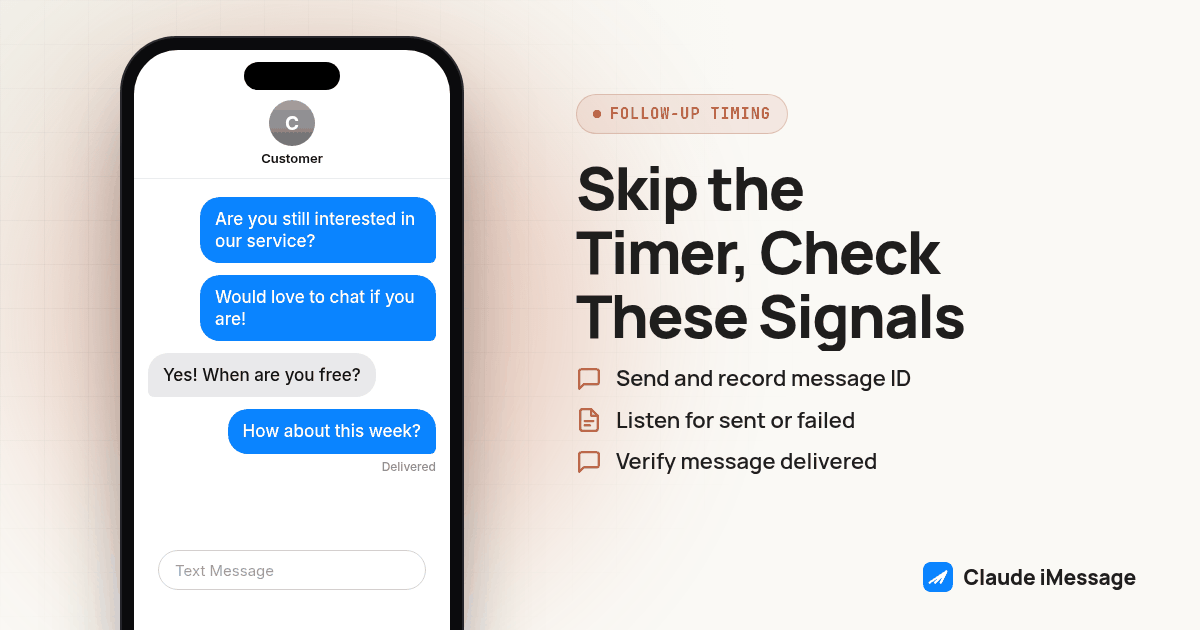
A fixed timer is a guess dressed up as a rule, firing the same way whether the first message sat unread for an hour or got answered in seconds. The fix is to build the gate from signals Beam's API actually confirms, in this order:
- Send the message through Beam and record the returned id and initial queued status, rather than assuming the call succeeded the moment your code stops blocking.
- Listen for message.sent, confirming the carrier accepted it, versus message.failed, meaning it never had a chance to be seen. Route a failed send to a recovery path, not a timed follow up.
- Reconcile the message against a status check rather than polling in a loop, confirming it reached delivered before counting any wait window. A message sitting in pacing isn't a message sitting unread on a locked screen.
- Start the wait window from the delivered timestamp, not from the moment your code called send, since that gap varies with time of day and carrier.
- Cancel the follow up immediately on any message.received event tied to that phone number. A reply proves a human engaged, a stronger signal than any guessed read state.
- Cancel outright on contact.opted_out, since scheduling anything after a STOP is a compliance problem, not a timing one.
- If none of the above fired before the window ends, send the follow up, but write it as if the first message might genuinely have gone unseen, not as a pointed "did you see my last text."
Screenshot: a workspace's Event webhooks settings panel with the signing secret revealed, next to a simple events table logging message.sent, message.received and message.failed rows for one phone number, timestamped in order.
What Does The Webhook Payload Actually Look Like?
Every event Beam pushes to your endpoint arrives as one POST with the same outer shape: an id, a type string naming which event it is, a timestamp, and a data object whose fields change with the type. A message.received event, the one that fires when a contact texts back, carries the sender's number, your number, the body, the channel it arrived on, and any attachments. A message.sent event carries the message id, both numbers, the body, the channel, and who sent it, since an outbound message can come from a teammate, the assistant, or your own API call. A message.failed event carries just enough to identify what died: the id, the recipient, and the body.
Signature verification follows the pattern most webhook systems use: a header carrying a timestamp and an HMAC-SHA256 signature computed over that timestamp joined to the exact raw request bytes, checked against your own signing secret with a constant-time comparison. The raw bytes matter because parsing the JSON and re-serializing it before checking produces different bytes than what was signed, so a genuine event can fail verification for a reason that has nothing to do with whether it's real.
type BeamEvent = {
  id: string;
  type: "message.received" | "message.sent" | "message.failed" | "contact.opted_out" | "assistant.booked" | "assistant.handoff";
  timestamp: number;
  data: Record<string, unknown>;
};

const conversationState = new Map<string, { deliveredAt?: number; replied?: boolean; optedOut?: boolean }>();

function handleBeamEvent(event: BeamEvent) {
  const phone = String(event.data.from ?? event.data.to ?? event.data.phone ?? "");
  const state = conversationState.get(phone) ?? {};
  if (event.type === "message.received") state.replied = true;
  if (event.type === "contact.opted_out") state.optedOut = true;
  if (event.type === "message.sent" && (event.data as { sender?: string }).sender === "bot") {
    state.deliveredAt = event.timestamp;
  }
  conversationState.set(phone, state);
}

function shouldSendFollowUp(phone: string, waitWindowSeconds: number): boolean {
  const state = conversationState.get(phone);
  if (!state || state.optedOut || state.replied || !state.deliveredAt) return false;
  return Date.now() / 1000 - state.deliveredAt >= waitWindowSeconds;
}
This is deliberately plain: a per-phone record built from events Beam actually sends, a function that returns false the instant a reply or opt out shows up, and a wait window measured from delivery rather than from the moment your own code fired the send. A production version wants that state in a real store, plus a reconciliation pass for any webhook delivery that never arrived.
How Does This Compare Across iMessage, SMS And RCS?
| iMessage | SMS | RCS | |
|---|---|---|---|
| Native read receipt shown to the recipient's own screen | Yes, opt in per contact on the recipient's device | No, the protocol has no concept of it | Supported in the RCS chat features spec on capable devices |
| Native typing indicator shown to the recipient | Yes | No | Supported in the RCS chat features spec on capable devices |
| Read signal exposed to Beam's event catalog today | Not exposed | Not applicable | Not exposed |
| Delivery status Beam does confirm | Status reaches delivered | Status reaches delivered or failed | Status reaches delivered or failed |
| Beam's typing/read endpoints usable on this channel | Yes, outbound only | No, returns a clear error | No, returns a clear error |
A separate iMessage API vendor's documentation on typing indicators makes the same channel split in different words, stating plainly that "typing indicators are an iMessage feature and are not available on RCS or SMS," and that a request against those other channels is accepted but delivers no indicator at all (LinqApp: typing indicators). None of that changes the bottom line: whatever the channel, the signal your agent can actually trust is delivery and reply, and iMessage is the only one of the three where a human even has the option to glance at a native read receipt, let alone one a platform could forward.
What If The Recipient Isn't On iMessage At All?
Beam picks the channel automatically, blue bubble when the recipient's phone supports it and plain text otherwise, so an agent built on top of it has to handle both outcomes from one code path rather than assuming every lead is reachable over iMessage. For a contact who falls back to SMS, "was it read" was never answerable on that channel by anyone, on any platform; delivered is the ceiling, not a limitation specific to Beam. Build the fallback rule around that ceiling: treat delivered as the strongest timing signal that will ever exist for a non-iMessage contact, and lean more heavily on the reply check, since no richer signal is coming. This matters most for an agent that reuses one wait-window constant across every contact without checking which channel it landed on; holding a follow up open longer for an SMS contact than for a blue bubble one buys nothing. If your agent already pulls the channel field off the message object to decide tone or attachment handling, reuse that same field to pick the wait window too.
For the full tool catalog and permission model behind read, train, send and book access, our iMessage MCP server guide goes deeper than the single question answered here. If your agent calls Beam's REST or MCP surface directly rather than through a hosted Claude client, our guide to handling Beam's MCP rate limit in a custom agent covers the request budget these webhook checks live inside. Claude Desktop and Claude Code reach the same workspace through a different wiring path, covered in our Claude Desktop MCP bridge guide, and our Claude iMessage overview lays out how the pieces fit together. For every reply reconciled into a CRM's own timeline, not just Beam's, Beam's iMessage CRM sync guide covers the two-way piece this article assumes is already running underneath the handler.
Before you connect
What do teams ask before they connect?
Does Beam send a webhook when a contact reads an iMessage?
No. Beam's documented event catalog covers a contact texting you, an outbound message leaving Beam, a failed send, an opt out, a booked appointment and a handoff to a human, and none of those fires when a contact simply opens and reads a message. The read and typing endpoints Beam does publish work in the other direction, letting your own system show a read receipt or typing bubble to the contact rather than detecting one from them.
If there's no read event, what should a Claude agent check before sending a follow up?
Check whether the message actually left Beam and reached the carrier as delivered, rather than trusting the moment your code called send, and check whether the contact replied before the wait window ends. A reply is the strongest signal an agent gets, stronger than any guessed read state, and it should cancel a scheduled follow up outright rather than letting both messages land back to back.
Does this work differently on SMS and RCS than on iMessage?
Yes. iMessage is the only channel where Apple's own Messages app shows a contact a read receipt at all, and that's a setting the contact controls on their own device, not something Beam or any other platform sits inside of. Plain SMS has no read or typing concept whatsoever, so an agent texting an Android fallback number should gate purely on delivery and reply, never on a read state that can't exist on that channel.
What does it cost to build this, and does Beam publish API pricing?
Beam doesn't publish per seat or per message API pricing on its site. Build cost on your side is mostly engineering time: standing up a webhook receiver, verifying the signature, and storing enough per conversation state to gate a follow up correctly. Talk to the Beam team directly once you know the workflow you're building so they can scope the right plan and line for it.
How long does it take to trust this gate enough to use it on real customers?
Wiring the webhook endpoint and pointing a connection token at it takes an afternoon for a developer who already has Claude calling Beam's tools. Trusting it takes longer, since you need to watch it run against real conversations, including ones where the contact never replies, before letting it decide on its own when a second message is appropriate.
Keep exploring
Which guides go deeper?
Where do these facts come from?
Checked October 2026.