ai assistant iphone
By Beam team · Updated
Text-Based AI Assistant on iPhone: Messages vs an App
Yes. You do not need a separate AI app on your iPhone if the assistant is connected to a phone number through a Messages-based setup like Claude iMessage. You save a contact and text it like anyone else, while a dedicated AI app still works fine if you want a richer screen and do not mind one more icon on your phone.
Beam is an independent messaging platform, not an Anthropic or Apple product.
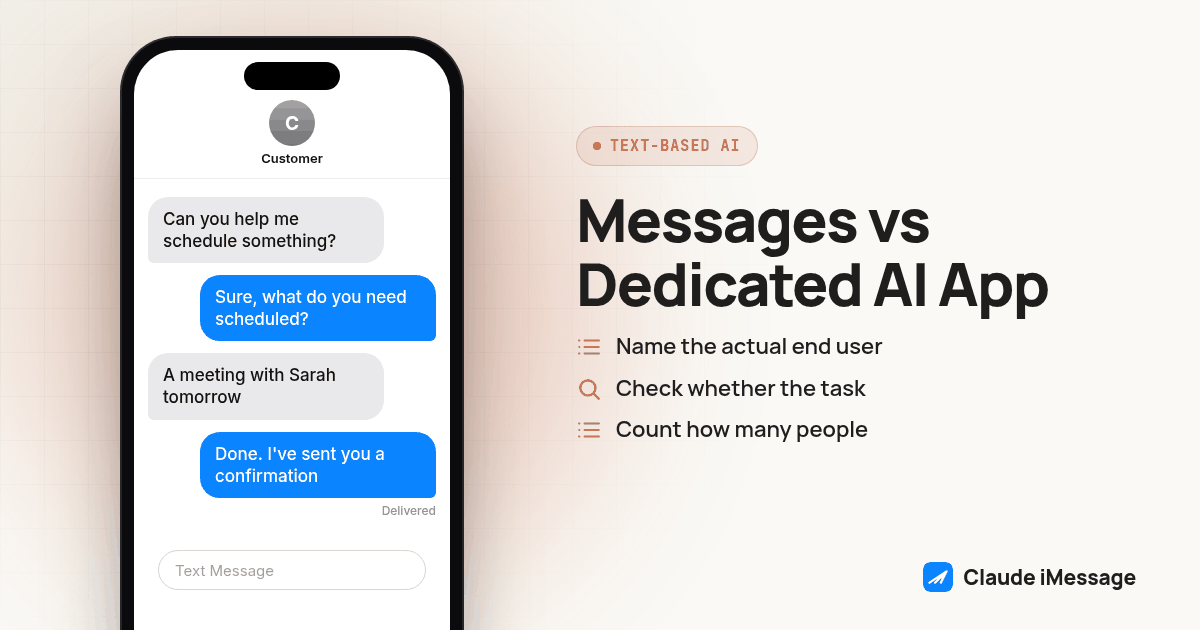
Why are buyers suddenly asking to text an AI assistant instead of opening another app?
We get a version of this question from agency owners who are deciding how to hand AI help to someone who will not install one more thing: a client, a partner, a parent. The honest comparison is not "AI app versus no AI" but "AI inside the app you already have open versus AI in its own app." Both work. They just ask different things of the person using them, and 2026 gave us two concrete signals that the Messages side of that choice is now a real, growing lane, not a side project.
Two things happened this year that moved "text-based AI assistant" from a curiosity to a category platforms are building for. In June 2026, Apple approved Poke as the first third party AI agent on its Messages for Business platform, meaning a business built an AI agent that runs inside Apple's own business messaging rails rather than a separate storefront app (TechCrunch). Two months later, in August 2026, ChatGPT shipped a plugin that lets it send texts through Apple Messages, so a user who already lives in OpenAI's assistant can route a reply straight into a Messages thread instead of switching screens (TechCrunch).
Neither of those stories is about Claude or Beam. We are pointing to them because they answer the question underneath the keyword: is reaching an AI assistant through the Messages app a one-off trick, or a direction the biggest AI companies and Apple itself are now building toward on purpose? Both pieces of evidence say the second. Apple approving a third party agent on its Messages for Business program is a platform decision, not an accident, and a major assistant adding a Messages-sending plugin is a company betting that its users want replies to land where they already read texts.
That is the same reasoning behind Claude iMessage, a Beam build that connects a Claude-based agent to a real phone line so people can text it the same way. Beam is independent of both Apple and Anthropic; neither company operates this integration or answers for a given reply in a thread, the same disambiguation Claude iMessage states on its own page. We are not claiming Apple or Anthropic built this. We are saying the pattern Apple and OpenAI are now shipping toward, AI reachable from inside Messages, is the same pattern this build sits in.
What is actually different between a Messages-based AI assistant and a dedicated AI app?
Both approaches can answer the same question. The difference is everything around that answer: who has to learn something new, where the conversation lives, and what it costs to maintain.
| Messages-based AI assistant | Dedicated AI app | |
|---|---|---|
| New software to install | None. Reply lands in the Messages app already on the phone. | A new app, plus an account on most of them. |
| Login for the end user | None, a saved contact is the entire interface. | Usually required, sometimes per device. |
| Works the moment someone already has Messages open | Yes, including during a call or while texting someone else. | Only after switching apps. |
| Screen and features | Plain text and, on supporting lines, images. No rich UI, no history search inside the thread beyond normal Messages search. | Full interface: threads, file upload, voice mode, formatting, search across past chats. |
| Who does the setup work | A developer or agency, once, before the number is ever shared. | The end user, once, at signup. |
| Good fit for | Someone who will not adopt a new habit, or who wants AI without opening a second window. | Someone who wants the deepest feature set and does not mind a dedicated app. |
| Where the conversation lives if you switch tools later | The same phone thread, regardless of which agent answers it. | Tied to that app's account, usually not portable to a text thread. |
Neither column is the "right" answer for every buyer. An agency building AI help for its own internal team, people who already live in a dozen other apps, usually gets more value from the richer screen a dedicated app provides. An agency building the same AI help for a client's customers, or for a partner who answers everything from a phone, gets more adoption from the Messages column, because adoption does not depend on anyone choosing to open something new.
How does Claude iMessage fit into this pattern?
Claude iMessage is Beam's name for connecting a Claude-based agent to a line through Beam's workspace, using MCP so the agent can read a conversation and send a reply with permission. The mechanics: a developer registers a connection token with Claude through Claude Code's MCP setup, assigns the agent a real line from Beam's supported number types, direct lines, real cell numbers, SIP endpoints, toll free numbers, regular local numbers or short codes, and that line is what the end user ever sees. Beam sends the reply as iMessage when the line and recipient both support it, RCS on supporting Android phones, and SMS otherwise, so the channel decision happens without the person on the other end doing anything differently.
The part worth repeating because it answers the actual comparison question: none of that setup work belongs to the person receiving the text. They save a number as a contact and type a message exactly the way they already text anyone else. If your buyer is specifically the non-technical person on the other end of that line, not the developer wiring it up, our setup walkthrough for that exact handoff covers the checklist and the test pass in full; we will not repeat it here.
How do you decide which path fits a given user, step by step?
We run this as a short decision pass before recommending Messages-based access or a dedicated app for a new rollout. It takes most of a working session the first time and far less once you have done it twice.
- Name the actual end user, not the buyer. If the person answering texts is a client's customer, a patient, or a non-technical partner, that is a strong signal toward Messages. If it is a power user on your own team who already juggles several apps, a dedicated app is often the better fit.
- Check whether the task needs a rich interface. File uploads, voice mode, long document review and searching old conversations by topic all favor a dedicated app's screen. Scheduling, confirmations, quick questions and short back and forth favor plain text.
- Count how many people will use this in the first month. One or two users barely justify app adoption friction. A larger rollout can better absorb the cost of training people on a new interface, if the task actually needs that interface.
- Decide who answers first on a shared number. If a business number already runs Beam's own assistant or a human team, pause that assistant for the specific conversation before a Claude-based agent takes over replies, so two automated systems never answer the same thread.
- Test the handoff rules before anyone outside your team sees the number: ask it something it should answer, ask it something outside its scope, ask for a human, and say "stop," confirming the opt-out actually takes before a real contact becomes the second person to text that line.
- Decide what happens if you need to change course. A Messages-based setup can be turned off by revoking the connection token; the phone number and its history stay intact either way. A dedicated app switch usually means migrating or losing that account's history, so weigh that cost before committing a non-technical user to either path.
Screenshot: Two columns side by side on one phone mockup. Left column: a Messages thread with a saved contact name and a plain blue-bubble reply, nothing else on screen. Right column: a dedicated AI app's chat interface with a login screen, a sidebar of past conversations, and a file-upload icon, to make the interface-weight difference visible at a glance.
What does this look like for someone who will not open another app, specifically?
This is the case that keeps coming up on our own calls. One prospect, an agency owner, put it plainly in a recent conversation: their automation already ran off a laptop, and once that laptop closed or lost a connection, everything stopped, and their non-technical partner was never going to open a new app to pick up the slack. That is not a hypothetical buyer persona. It is the exact gap a Messages-based assistant closes, because the thread keeps working from any phone with Messages open, with no laptop session required and no new app to teach anyone. We cover that laptop-dependency problem directly, with the full workaround, in Claude by text, no laptop needed.
The pattern holds even when the end user is not a stranger to AI at all, just someone who wants it where they already are. If the setup target is specifically a non-technical client or family member who has never opened an AI interface, start from our dedicated walkthrough for that handoff instead, since it carries the full checklist for that narrower case.
When does a dedicated AI app still win?
We would be overselling Messages-based access if we said it wins every comparison. A dedicated app still makes more sense when the work genuinely needs its screen: reviewing a long document side by side with a draft, searching back through months of past conversations by topic, using a voice mode for hands-free work, or uploading several files in one pass. None of that is impossible over text, but all of it is slower and more cramped in a thread than in an app built around exactly those tasks. The honest framing is channel fit, not a verdict that one approach always beats the other. Pick the column in the table above that matches what the specific end user is actually going to do with it, not which one sounds more modern.
Before you connect
What do teams ask before they connect?
Does a Messages-based AI assistant cost less than a dedicated AI app?
Not automatically. A Messages-based assistant removes the cost of building or maintaining a separate app interface, but someone still has to run the agent, the workspace connection and the line behind it. Compare the full setup, not just the sticker price of an app subscription.
How long does it take to connect an AI assistant to Messages compared to opening an app?
Opening a dedicated AI app takes as long as a download and a login, a few minutes at most. Connecting an assistant to Messages takes real setup time on the builder's side first: a workspace connection, an assigned line and a short test pass, before anyone ever sends a text. Once that setup is done, every new user after the first one just saves a contact.
Does a Messages-based AI assistant work with a CRM the same way a dedicated app does?
A Messages-based assistant can sit on top of an existing CRM workflow through webhooks, so a reply triggers a sequence someone already built. A dedicated AI app usually needs its own integration or a separate API connection to reach the same CRM data, which is extra work most teams running Messages-first never have to do.
Is a Messages-based AI assistant only useful for non-technical users?
No. Non-technical users are the clearest case because they will not adopt a new app, but the same setup helps anyone who wants AI help without keeping a laptop session open or switching windows during a call or a client meeting.
Can I switch an AI assistant from a dedicated app back to Messages later without losing the conversation?
Yes, as long as the underlying agent and its memory or workspace stay the same. What changes is only the channel carrying the conversation. The phone number and the message thread stay exactly where they were, so the switch is invisible to the person on the other end.
Keep exploring