text claude
By Beam team · Updated
How to Text Claude: Setup for Non-Technical Users
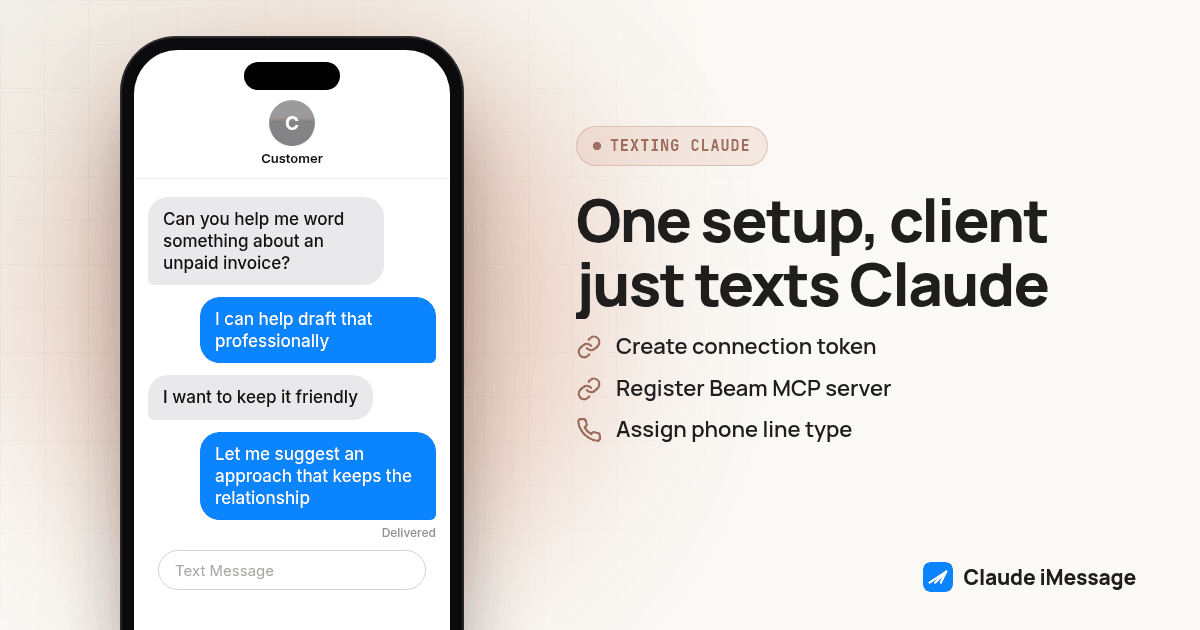
Yes. Once a developer or agency connects Claude to a dedicated line through Beam, tests it, and hands over that number, the non-technical person never sees Claude, an app, or a login screen again. They save a contact and send a text exactly the way they already text a person, and the reply lands in the same thread.
Beam is an independent messaging platform, not an Anthropic or Apple product.
What does texting Claude actually mean, since Claude doesn't have its own phone number?
We hear a version of this question on almost every call where the person who needs the help is not the person who will ever open an AI app's own interface: "My client cannot handle AI interfaces. Can they just text it?" The honest answer is yes, but only because of everything that happens before the phone ever gets handed back. A developer or agency connects a Claude-based agent to a dedicated Beam line, tests it against a short checklist, and saves the number as a normal contact. Nothing about the AI underneath changes how texting itself works for the person on the other end.
That distinction, what happens before versus after the handoff, is the whole article. The setup work below is genuinely technical and belongs to whoever is building this for someone else: a developer wiring up a workspace, an agency onboarding a client, a family member who happens to be the tech support for a parent or a partner. None of it is work the non-technical person ever touches.
Claude does not ship a phone number, and Anthropic does not run a texting service. Claude iMessage is Beam's name for a specific setup: an AI agent built on Claude connects to a Beam workspace through MCP, Beam assigns that agent a real line, and the people who text that line are talking to a conversation Claude is driving, carried over Beam's messaging infrastructure. Beam is independent of both Anthropic and Apple. Neither company operates this integration or answers for what it says in a given thread.
For the person on the receiving end, that distinction barely registers. The bubble looks like every other message already in their Messages app, blue if the line and the recipient both support iMessage, green otherwise. They are not evaluating an AI product. They are reading a text from a number saved under a name they picked.
What do we set up once, before the non-technical person ever sees a text?
This is the part that takes real setup work, and it only happens once, on the developer or agency side:
- Open a Beam workspace and go to Settings, then Developer access, MCP and API. Create a connection token scoped to read, train, and send. The token is shown once, it expires after 90 days, and it belongs in a secret manager, never in a chat window or a screenshot.
- Connect the Claude side to that token. For Claude Code, register the Beam MCP server with the bearer token set in the terminal environment. For a custom application, call Beam's API directly with the same token in the Authorization header. Claude Code's MCP setup guide walks through the exact commands for a developer doing this for the first time.
- Assign the line the non-technical person will actually text. Beam's number types include direct lines, real cell phone numbers, SIP endpoints, toll free numbers, regular local numbers, and short codes. For one client relationship or one family member, a single direct line is usually the right call.
- Decide who answers first. If Claude should run the whole conversation on that line, pause Beam's own built-in assistant for it before the Claude-based agent starts sending, so two bots never answer the same text at once.
- Have Claude confirm the workspace before anything goes live. Ask it to read the workspace name and ID back to you and stop if it is not the intended one. That single check catches the most common setup mistake: connecting the wrong client's workspace to the wrong number.
- Save the number as a contact on the non-technical person's phone, under whatever name actually makes sense to them. A lot of teams just use a first name. This is the step that delivers on "no app, no login": once that contact exists, texting Claude looks exactly like texting anyone else already saved in their phone.
Screenshot: Two phone mockups side by side. On the left, the non-technical person's Messages app showing an ordinary thread with a saved contact name and a blue-bubble reply. On the right, the same conversation inside Beam's inbox, showing the connected agent's reply and its delivery status, so a developer can see everything the end user never has to.
What does the non-technical person actually have to send?
Just a text, written however they'd normally write one. There is no required format, no command syntax, and no setup screen on their end. Here is the handoff checklist we use when someone on our side sets this up for a client, a parent, or a partner who will never open an AI app:
- Save the number as a contact before handing over the phone, so the first text comes from an existing thread in their Messages app, not a strange unsaved number.
- Explain the number in one plain sentence: "Text this anytime you want help with scheduling, and I'll make sure it's set up right," or whatever the actual use case is.
- Give them one example message to copy if they freeze on what to type, something like: "Can you help me figure out what to say to a client who hasn't paid an invoice?"
- Tell them the one word that makes it stop: texting "stop" works on this line the same way it works on any other business text, and it is permanent.
That checklist is the whole interface. Everything else, the token, the line, the handoff rules, lives on the side the non-technical person never has to see.
How do we test it before we hand the number over?
We run a short approval pass before any real contact gets the number, aimed at the Claude-based agent instead of Beam's native one:
- Ask a plain question the agent should be able to answer on its own, to confirm it actually responds and the reply shows delivered, not just queued.
- Ask something outside its ability, like "can you call me tomorrow," to see whether it overpromises or answers honestly.
- Say "I need a human" and confirm the agent hands off instead of trying to keep handling the thread itself.
- Say "please stop" and confirm the opt-out actually takes, with no further messages going out to that test contact afterward.
If any of those four goes wrong, we fix the agent's instructions and rerun the test before a real contact becomes the second person to text that line.
What happens when they ask for something Claude can't or shouldn't handle alone?
Claude is good at answering most of what shows up in an ordinary text thread, but not everything belongs to the model alone. Every one of these setups uses the same pattern Beam's own built-in assistant already follows: certain triggers, a request for a human, a stop request, a legal question, an angry reply, pause the automated side of that conversation so a person can pick it up from Beam's shared inbox instead. The non-technical person never has to know that handoff logic exists. From where they sit, the conversation just continues, sometimes with a different kind of reply than the one before it.
This matters most for the exact audience this setup is built for. A client who cannot handle an AI interface also cannot be expected to notice, let alone report, that an automated reply went off the rails. The handoff rule is what keeps that risk from ever reaching them in the first place.
Does this work the same way if they're on Android instead of iPhone?
Mostly, with one difference that happens entirely out of sight. Beam sends from Apple and Android devices: iMessage for eligible iPhones on a line that supports it, RCS when the Android recipient's phone and carrier support it, and SMS as the fallback either way. The non-technical person never sees that channel decision get made. They open whatever messaging app is already the default on their phone and the reply is there, the same as any other text they've gotten.
Under the hood, this is the same mechanism behind any iMessage bot Beam runs, just pointed at a Claude-based agent instead of a sales script or an appointment reminder. If the person on the other end already uses Claude directly and only wants to stop depending on a laptop session to reach it, Beam has already covered that laptop-free setup on its own. This guide starts from the opposite place: someone who has never opened an AI app at all, and never needs to.
Apple's own guide to getting started with Messages is worth keeping open while you test this, since it covers the exact baseline interface your non-technical contact is already fluent in, the one this whole setup is designed to never make them leave. If they can follow that guide, they already have every skill this setup requires. Nothing about connecting Claude to the line changes a single thing about how Messages itself works for the person receiving the text.
Before you connect
What do teams ask before they connect?
Does the non-technical person need to download an app or create a login?
No. Everything happens inside the messaging app already on their phone. There is no Claude app to install and no account to create on their end. The setup work, the connection token, the assigned line, the testing, happens once on the developer or agency side before the number is ever shared.
What happens if they ask to talk to a human instead of Claude?
The agent is built to recognize that request and stop answering automatically for that conversation, the same way Beam's own built-in assistant hands off on request. A team member picks up the thread from the shared inbox, and the non-technical person keeps texting the same number without being told to go anywhere else.
What happens if they text STOP or ask it to leave them alone?
The opt-out takes effect immediately and permanently for that contact. Any further attempt to message them from that line gets blocked, so there is no workaround and no way to keep sending once someone has opted out.
Does this work the same way for someone on Android?
Yes, with one difference happening behind the scenes. Beam sends the reply as RCS when the recipient's Android phone and carrier support it, and falls back to SMS otherwise. The person never sees that decision get made. They just get a reply in whatever messaging app is already open on their phone.
What happens if we want to turn this off and go back to a human-only line?
Revoking the connection token in Settings stops the Claude-based agent from reading or sending anything new. The phone number keeps working and the conversation history stays exactly where it was, so the non-technical person never notices a switch happened unless someone tells them.
Keep exploring